The short answer
Use AnimeAnchor as a structured anime catalog. Search for a series, episode, movie, character, arc, or guide, then move from that page into related pages. The site is built for people who want exact watch context rather than a loose recommendation list.
If you are new, start with a series page. If you know the exact title or episode number, use search. If your question is about order, use a watch order or filler guide. If your question is about a person in the story, use the character page after you are past the spoiler risk for that arc.
What the catalog covers
The current AnimeAnchor catalog covers major anime franchises with series pages, episode pages, movie pages, character pages, arc pages, and guide pages. That gives each question a proper home instead of forcing everything into one giant article.
That structure is the point. A movie should behave like a movie page. An episode should behave like an episode page. A character should link back to the series and appearances where possible. A guide should help readers choose a route through those pages.
Start with search
The search page is the fastest way to move through the catalog. You can search broad terms like Naruto, One Piece, Bleach, Death Note, or Dragon Ball, or exact terms like Death Note Episode 25, Byakuya Kuchiki, or Dragon Ball Super: Broly.
Exact searches work best when you already know what you want. Broad searches work best when you need a starting point. If a query has multiple possible meanings, such as Broly, use the result type to decide whether you want a movie, character, series, or guide.
Use series pages for the main map
Series pages are the main map for each anime. They collect summary context, episode counts, arcs, movies tied to the wider franchise, character links, official hub links, and watch-order navigation. Start there when you are unsure where a show begins.
A series page is also the safest page type for new viewers. It gives enough context to orient you without forcing you into a full plot explanation. From there, you can choose episode guide, movie guide, characters, arcs, or watch order.
Use episode pages for exact questions
Episode pages answer exact questions: What is this episode called? Which series does it belong to? Is it canon or filler? Where does it sit in the sequence? What summary can I read without jumping too far ahead?
They are also the best landing pages for long-tail searches. A user searching a full episode title does not need a broad beginner article first. They need the exact episode page, then links to the series, arc, previous episode, next episode, and related guide.
Use movie pages for release questions
Movie pages are for theatrical and feature releases. They should not be hidden inside episode counts. Many anime franchises have movies that sit near the TV story, recap TV material, or add side stories with different continuity expectations.
That is why AnimeAnchor has movie pages and movie watch-order guides. A movie page can show the title, release context, related series, and nearby guide links without pretending the film is an ordinary TV episode.
Use character pages carefully
Character pages are useful, but they carry more spoiler risk than series and episode pages. A character's full profile may mention later status changes, relationships, powers, affiliations, deaths, or reveals that the episode page would avoid.
For first-time viewers, use character pages after finishing the relevant arc. If you are early in Bleach, wait before reading full Byakuya context. If you are early in Death Note, be careful with Light, L, Misa, Rem, and Near pages. If you are in Wano, be careful with Luffy and late One Piece pages.
Use filler guides when you want speed
Filler guides help when an anime is long and you want to know what can be skipped on a first watch. Naruto, Bleach, One Piece, Dragon Ball Z, and other long-running series can feel hard to start because viewers fear getting trapped in optional episodes.
A filler guide should not shame completionist viewing. Optional episodes can still be fun. The job is to tell the reader which episodes are needed for main story momentum and which episodes can be saved for later.
Use watch orders for mixed formats
Watch orders are best when a franchise has TV seasons, movies, specials, recuts, or sequel series. Demon Slayer's Mugen Train material is a good example because the same story exists as a film and a TV arc. Dragon Ball has multiple series and many movies. Naruto has the original series, Shippuden, and films.
The catalog helps by keeping the objects distinct while linking them through guides. You can see the release itself, then read guidance on where it fits for a viewer.
How multilingual browsing works
AnimeAnchor supports language-specific browsing through localized routes where translations exist. That means readers can use pages in supported languages without relying only on a language dropdown that changes text after the page loads.
For SEO and user experience, language pages need their own URLs, canonical tags, and hreflang links. That helps Google understand which version belongs to which audience and helps readers land on a page they can actually read.
How to avoid spoilers
Spoiler control starts with choosing the right page type. Series pages and watch-order pages are usually safer. Episode pages can be safe if you stay near your current episode. Character pages and full plot sections need more caution.
If you are watching a show for the first time, use the shortest path that answers your question. Do not open a full character profile just to confirm an episode title. Do not search a final-season phrase before you have finished that arc.
How to use links well
A good AnimeAnchor path starts broad, then narrows. Search a series, open the series page, move into the watch order, then choose episode, movie, arc, or character pages as needed. That path gives context before detail.
The reverse path works too. If Google sends you straight to an episode page, use the linked series and arc pages to climb back up. That is how the catalog turns a random search result into a readable route through the anime.
Search intent note
Anime catalog searches are broad, so the page needs to be more than a homepage rewrite. The reader may be looking for a database, a watch tracker, an episode list, a character index, or a filler guide. The first screen should make those routes obvious.
The catalog guide should also teach Google how the site is organized. It should mention series, episodes, movies, characters, arcs, watch orders, filler labels, multilingual pages, and search in natural language. Then it should link to the strongest hubs instead of leaving the reader at a dead end.
That is the difference between a broad keyword page and a useful navigation page. The broad query brings the user in. The internal links get them to the exact page they meant to find.
This page should stay evergreen. It does not need to chase one anime release week by week. Its job is to explain the catalog model, then push readers toward the latest series, episode, movie, and guide pages that already update through the data set.
The page also gives brand searches somewhere stronger to land than a bare index. If someone searches AnimeAnchor after seeing an episode page, this guide explains what the site does.
Final recommendation
Use AnimeAnchor by matching your question to the right page type. Series for the map, episodes for exact titles, movies for releases, characters for cast context, arcs for story blocks, filler guides for skip decisions, and watch orders for mixed franchise paths.
That is the best way to keep the site fast and useful. You should not have to read one huge article to answer a simple question, but you should always have a clear next link when you want more context.
Official Video and Images
Dragon Ball DAIMA Climax Trailer
Embedded from an official rights-holder, producer, or licensor channel.
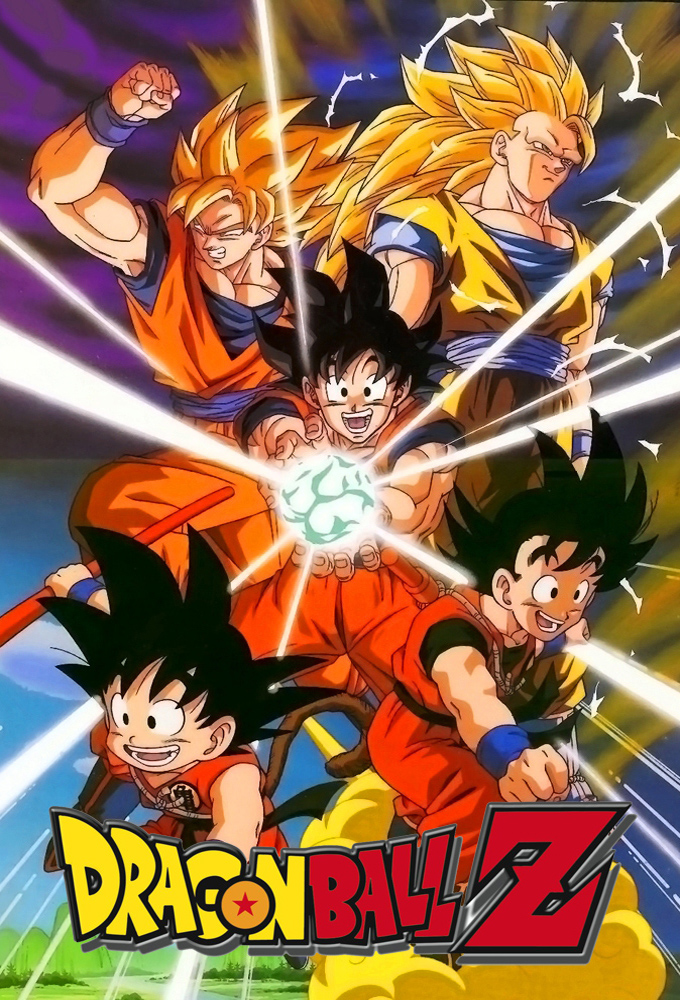
Dragon Ball Z guide snapshot
This guide is connected to the live AnimeAnchor catalog for Dragon Ball Z. The current page links into the full episode spine, canon and filler labels, arc mapping, movie releases, and character profiles instead of leaving you with a loose recommendation list.
Dragon Ball Z Arc map
The arc map turns a broad recommendation into exact episode ranges. Each row links back to the dedicated arc page or the main series guide.
| Arc | Episode range | Canon | Filler | Recommendation |
|---|---|---|---|---|
| Saiyan Saga | Episode range 1-35 | 35 | 0 | Watch |
| Namek and Captain Ginyu Sagas | Episode range 36-67 | 32 | 0 | Watch |
| Frieza Saga | Episode range 68-97 | 30 | 0 | Watch |
| Garlic Jr., Trunks and Androids Sagas | Episode range 98-125 | 28 | 0 | Watch |
| Imperfect Cell and Perfect Cell Sagas | Episode range 126-149 | 24 | 0 | Watch |
| Cell Games Saga | Episode range 150-194 | 45 | 0 | Watch |
| Other World, Great Saiyaman and World Tournament Sagas | Episode range 195-227 | 33 | 0 | Watch |
| Babidi and Majin Buu Sagas | Episode range 228-253 | 26 | 0 | Watch |
| Fusion, Kid Buu and Peaceful World Sagas | Episode range 254-291 | 38 | 0 | Watch |
Dragon Ball Z Movie releases
Movies stay outside the TV episode count. That preserves official numbering and makes watch orders easier to trust when a franchise has theatrical stories, recuts, or side releases.
Key Dragon Ball Z characters
Character pages connect spoiler-safe profiles, full story biographies, first appearances, and mapped episode or movie appearances back into the same catalog.
Useful AnimeAnchor Links
FAQ
What is AnimeAnchor?
AnimeAnchor is an anime catalog for series, episodes, movies, characters, arcs, watch orders, and filler labels.
Where should I start?
Start with search or a series page, then move into watch order, episode, movie, arc, or character pages.
Is AnimeAnchor only for filler lists?
No. Filler guides are one part of the catalog, but the site also covers episodes, movies, characters, arcs, and summaries.
Are character pages spoiler-safe?
Use caution. Character pages can reveal later story context, so episode and series pages are safer for first-time viewers.